
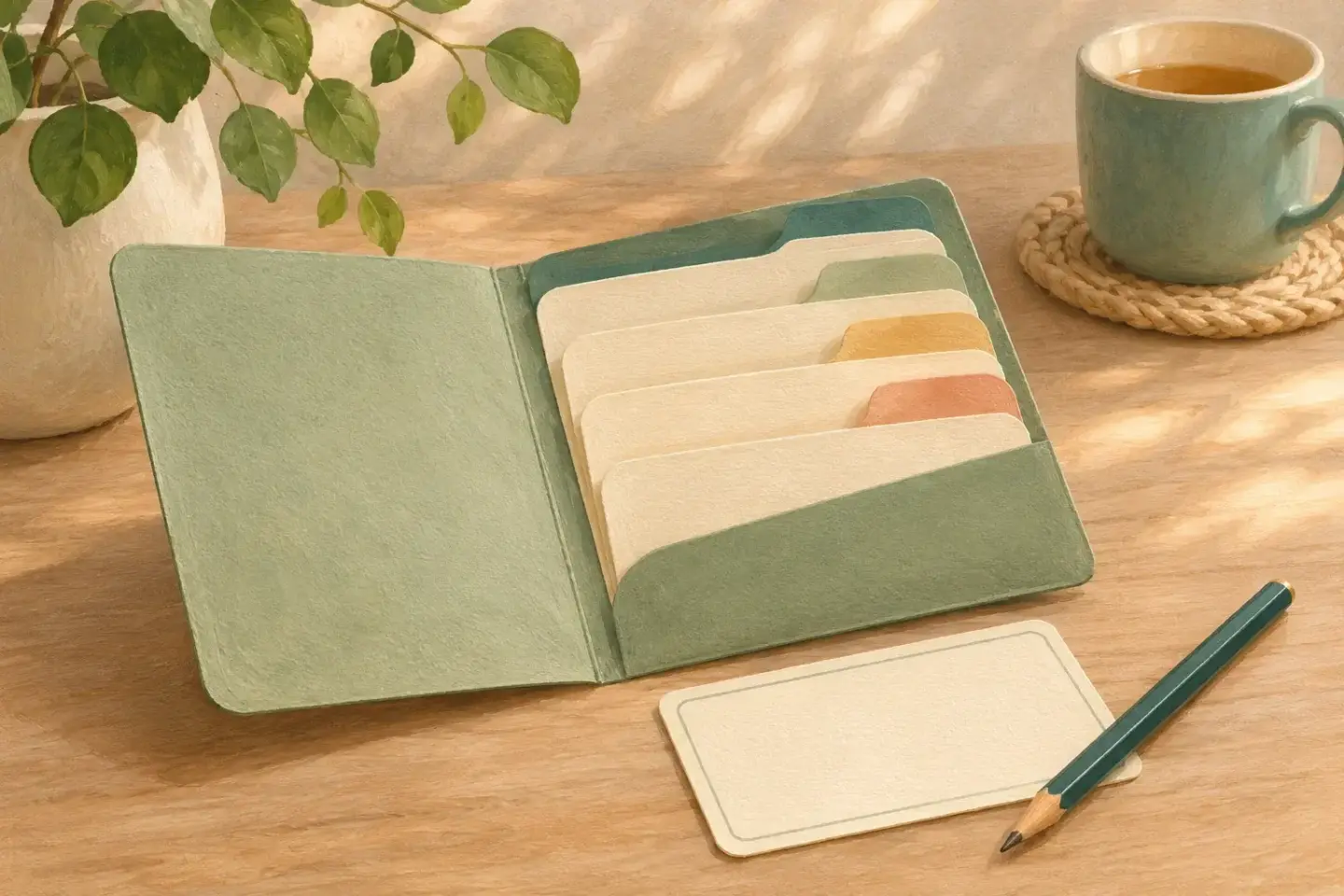
An appointment folder is a working tool, not a complete history of every paper you have ever received. Its job is to make the next visit easier to prepare for and the instructions easier to find afterward. A slim folder with clear sections can be more useful than a binder nobody wants to carry.
Start with the appointment you already have. Write the date, time, location, service name and contact number on a front sheet. If it is a remote visit, record the joining method and where to get technical help. Keep access codes in a private place rather than on the outside of a folder.
Make four simple sections
Use “Questions,” “Current information,” “This visit” and “Next steps.” A paper folder can use four labeled sleeves. A digital folder can use four clearly named documents. The structure matters more than the product: you should be able to reach the current question without searching through old receipts.
Put older material in a separate archive, keeping anything you need for records or follow-up. This is a sorting task, not advice to destroy medical or financial documents. When in doubt about retention, leave the original safely filed and put a reference to it in the working folder.
Choose the questions you most want answered
The National Institute on Aging suggests identifying three or four important questions before a visit and raising them at the beginning. Write each question in words you would naturally use. If one is especially important, put it first instead of hoping you will remember it at the end.
A practical question sheet can have three lines beneath each question: “Answer,” “Who explained it,” and “What happens next.” Leave enough space to write comfortably. If a question remains unanswered, keep that visible. A blank answer should not become an assumed “no” when someone reviews the folder later.
Keep current information genuinely current
Use the current medication-list guide to keep a clearly dated record. Include the documents the office has asked you to bring. If a record is held elsewhere, note its location and ask the office whether they already have it. Avoid carrying every duplicate simply because it arrived in a separate envelope.
For a concern you want to describe, write factual notes in your own words. Give the dates and circumstances you remember, and mark anything uncertain. Do not try to turn those observations into a diagnosis before the visit. The purpose is to help you explain the concern accurately.
A one-page visit note
- Visit date, service and clinician
- ____________________
- My main question
- ____________________
- What was explained
- ____________________
- Written instructions received
- Title or location: ____________________
- Next action
- Action: __________ Owner: __________ When: __________
- Still unclear
- Question: __________ Who to contact: __________
The “owner” can be you, a helper, or an office that has explicitly agreed to act. Do not assign a job to the clinic just because you expect it to happen. Ask which person or service will arrange a referral, send a result, or contact you about a follow-up.
Close the visit before filing it away
Before leaving, check that you know the next action and how to ask for clarification. If you want to record the conversation, ask permission and follow the service’s rules. A written note is often enough for a small practical question.
At home, put the visit summary in “This visit” and copy the agreed task into “Next steps.” If something still does not make sense, the NIA’s visit guide recommends contacting the office for clarification. Do not make an uncertain personal note look authoritative by typing it neatly.
Try the folder on an ordinary day
Imagine a helper asks where the next appointment is. Can you find the address without revealing unrelated private papers? Can you tell whether transport is booked or only requested? Add a short logistics note if those answers are hard to find.
Review the working folder after each visit. Keep the current questions and next steps at the front, move completed material to the archive, and return the folder to its agreed place. The reward is modest and useful: less searching when you need one particular fact.